
Images
- Menu button beside of emote button
- F1 button (hide gui) beside of pause button
- Clock and compass on bottom left (functional)
- XP percentage on the left side of xp bar
- XP requirement for level up on right side of xp bar
- Improve xp number into similar with java xp number
- Java bottom chat
- Hotbar coord and day played
- Clear item name
- Durability Viewer
- Low durability warning
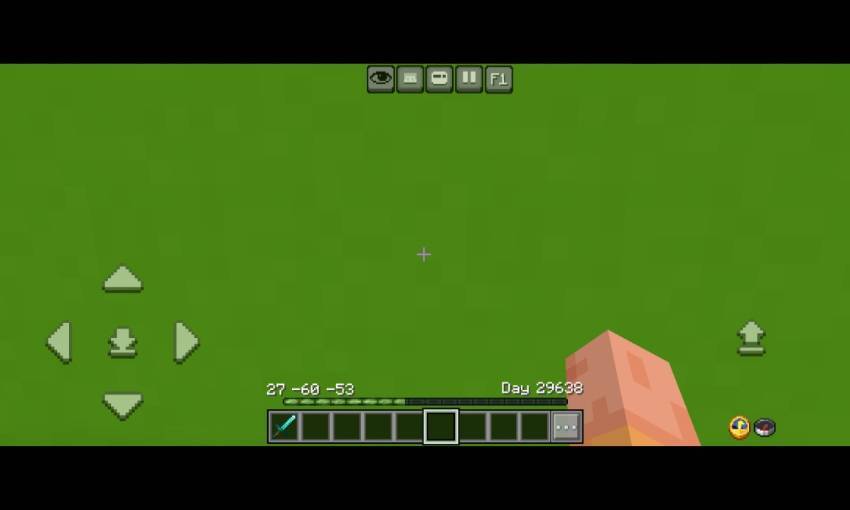
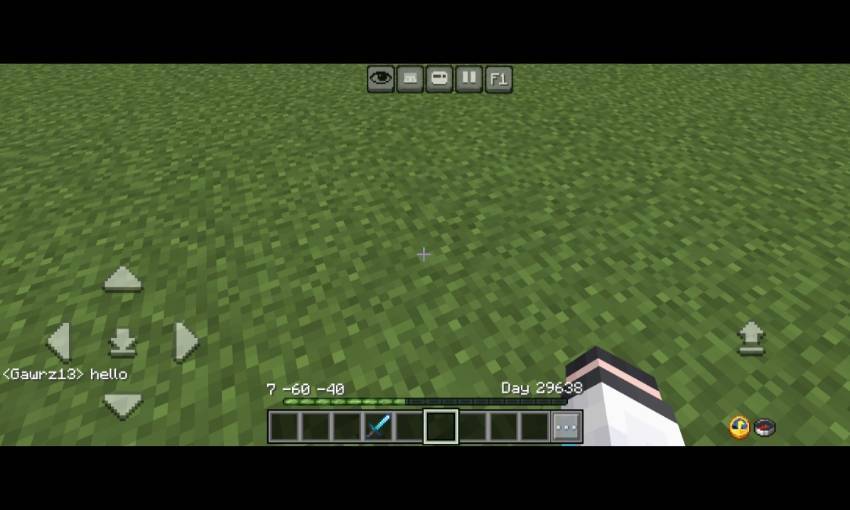
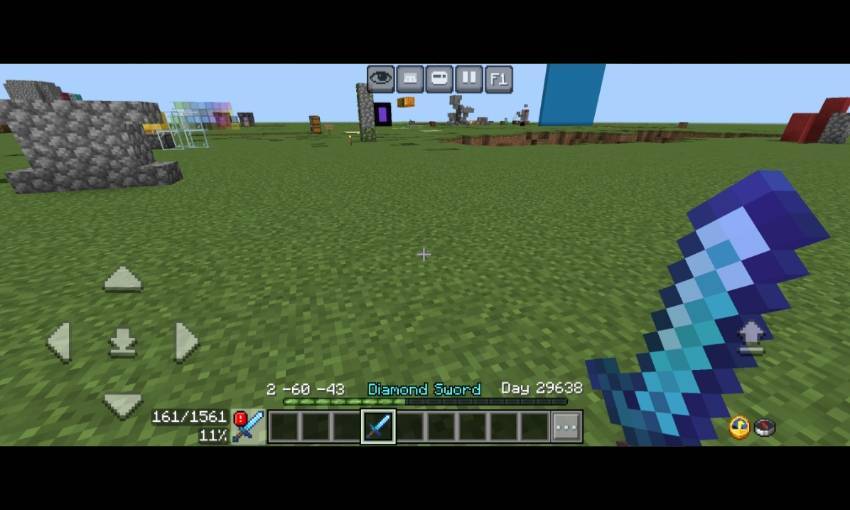
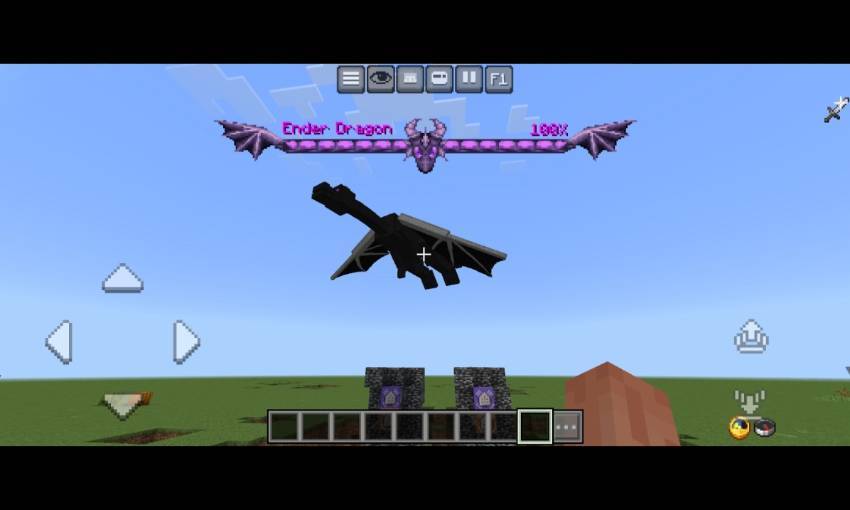
- New dynamic bossbar texture for Ender dragon, wither, and Raid
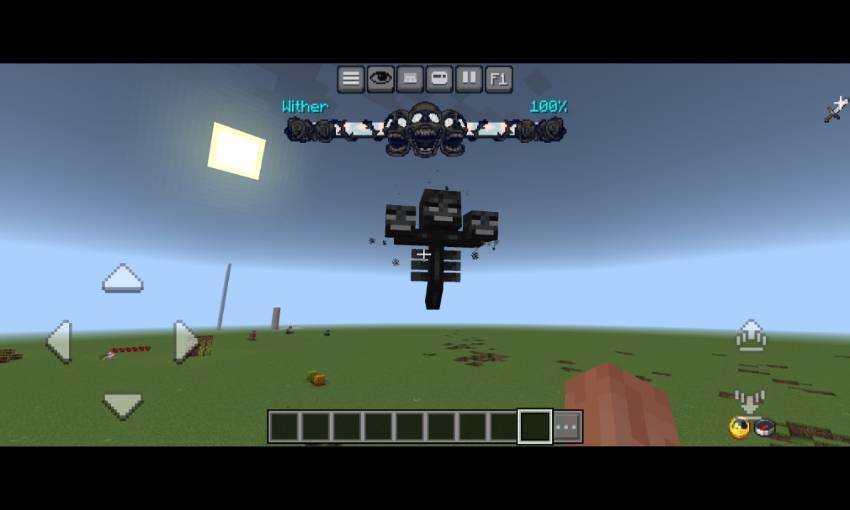
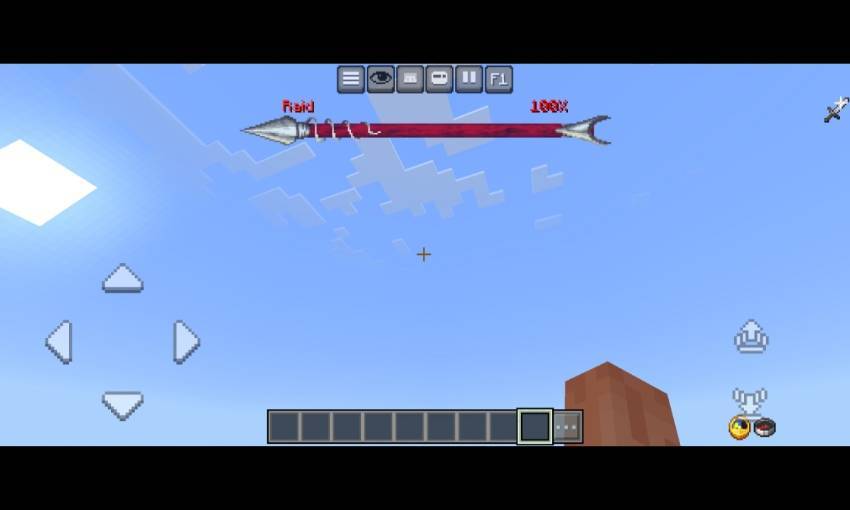
- Menu screen
- There are some button of modules contents, that is Debug screen, Inventory HUD, Hotbar selector button, RGB xp bar, Player List HUD, And gamma slider (Beside of custom hotbar texture button)
- Also it have 2 customisation tab (Will explained on the next image)
- And also there is settings for hud screen (gear icon)
- open pause screen first and you can activate the Menu on top left
- On windows, You can click ESC key to close the menu
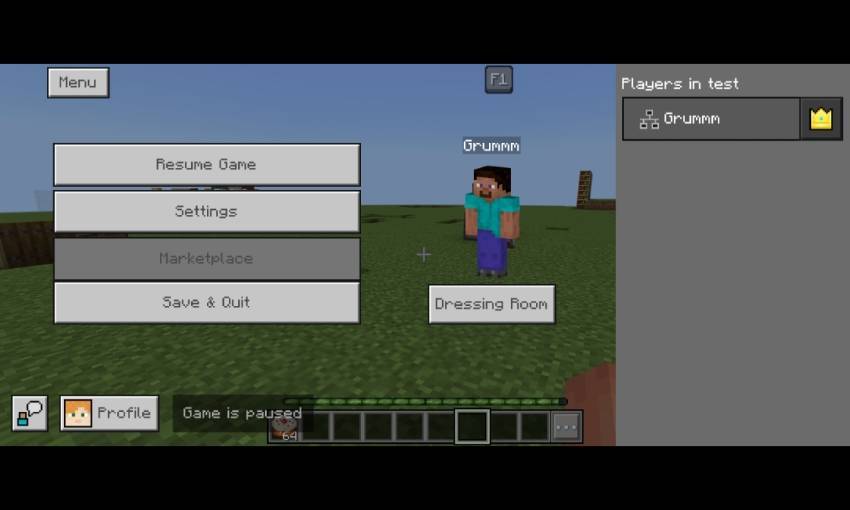
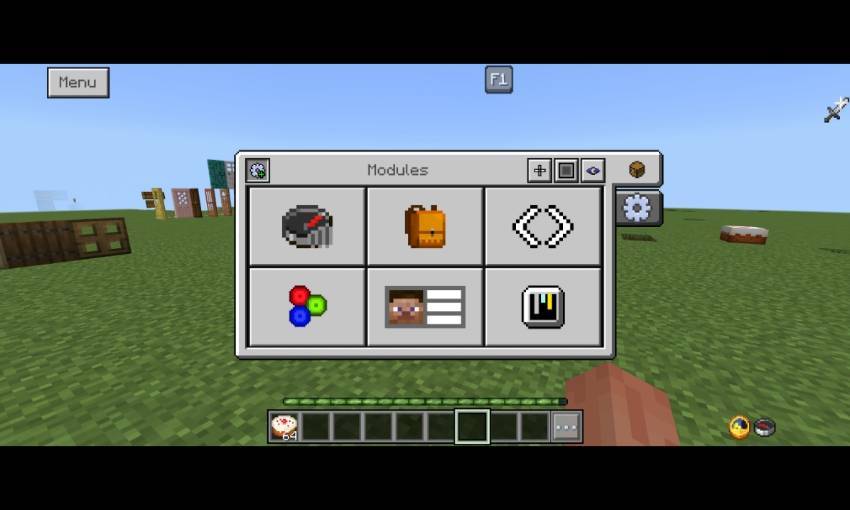
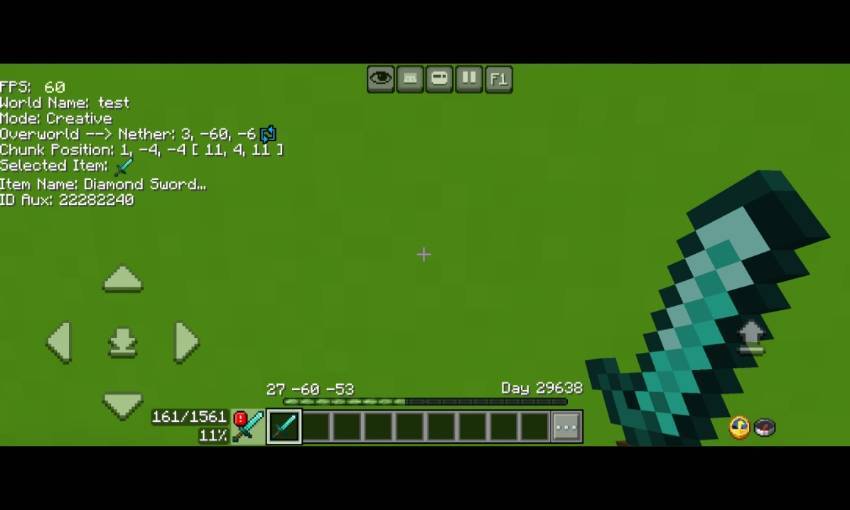
- Debug screen
- There are some information in the debug screen, that is FPS Counter, world name, current gamemode, Nether to overwold position/overwold to Nether position, Chunk position, item name, and item id aux display
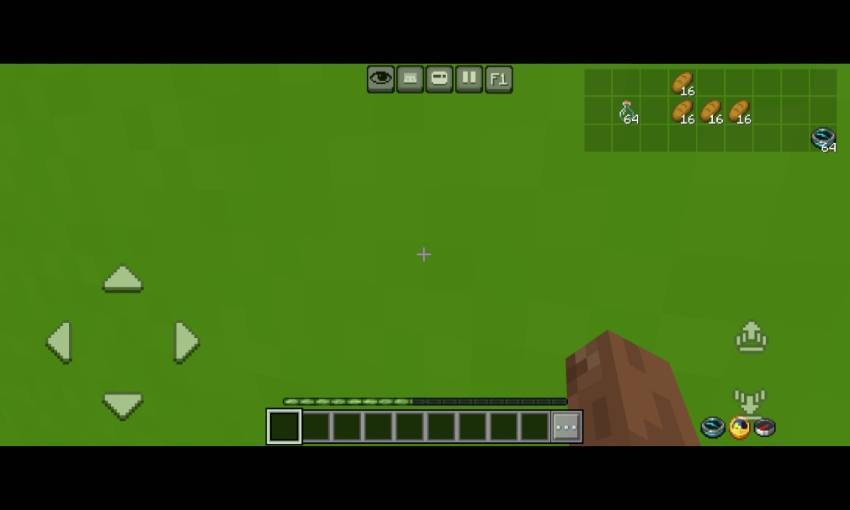
- Inventory HUD
- This Will show any items in your inventory so you no longer need to open inventory for checking items
- Hotbar selector (next to hotbar)
- It Will change your selected hotbar to left or right
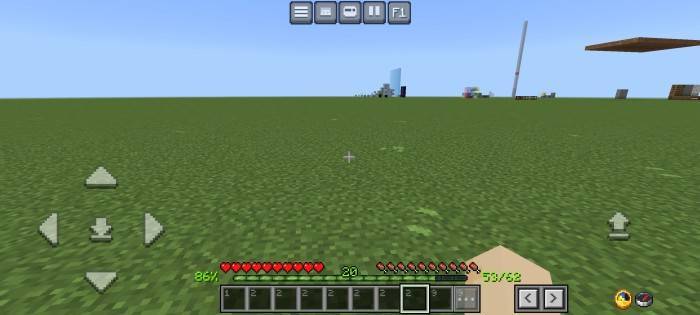
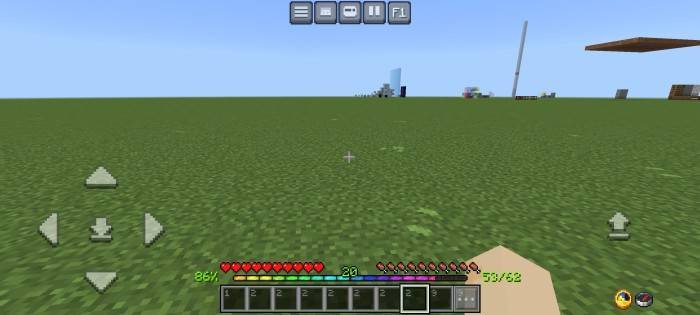
- RGB XP Bar
- It have animation
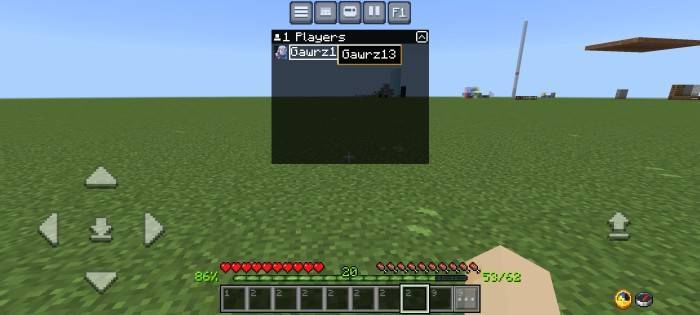
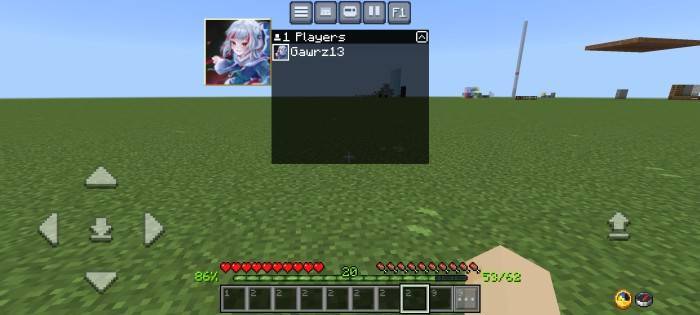
- Player list hud
- You can click the player name or player gamerpic like in the image
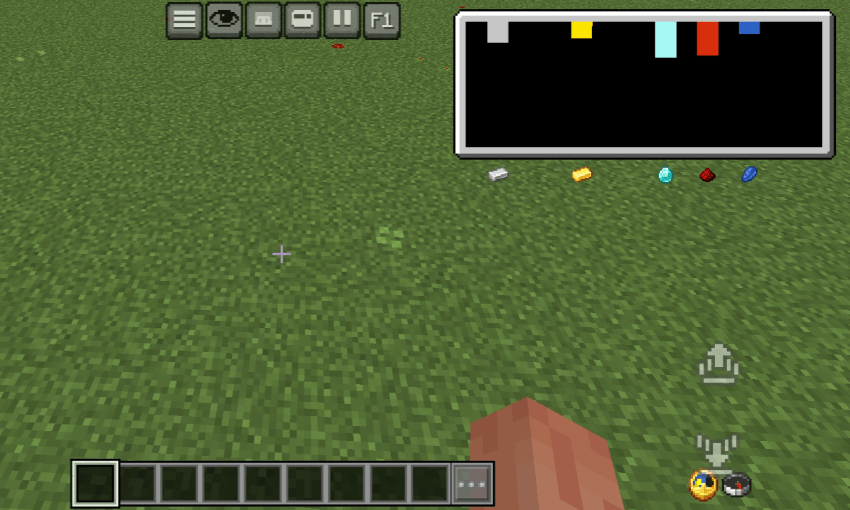
- Ore Visualizer
- It's shows the amount of ore you can find depends on your Y coordinate
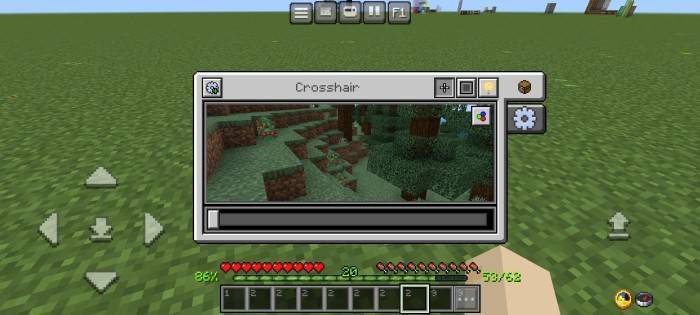
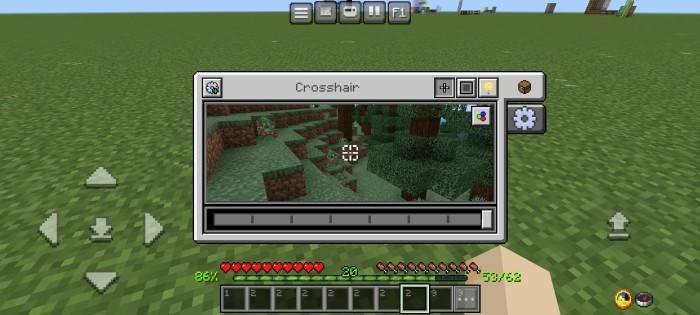
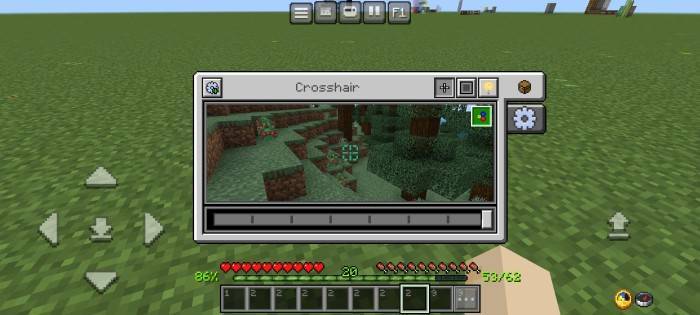
- Custom crosshairs
- There are 8 different crosshairs texture
- Also there is a RGB button, if you click it, your crosshair Will be rgb
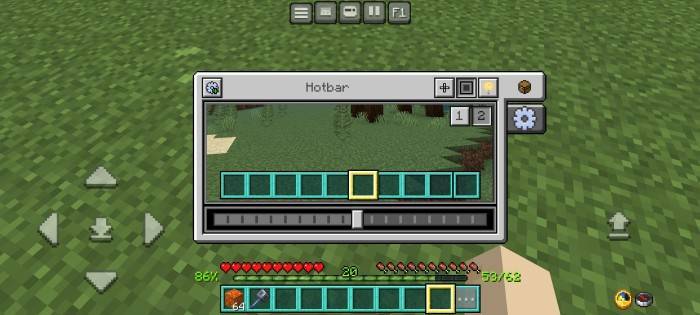
- Custom hotbar (1) and selected hotbar textures (2)
- There are 10 variants for hotbar textures
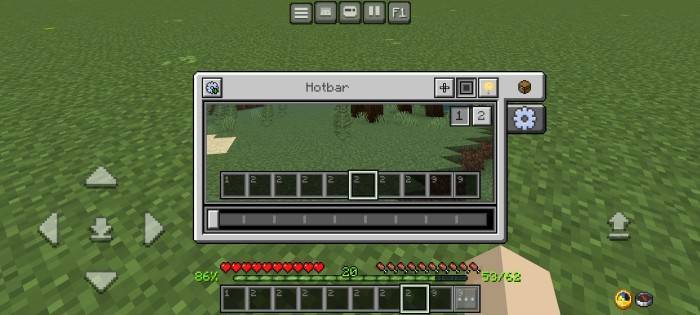
- There are 20 variants for selected hotbar texture
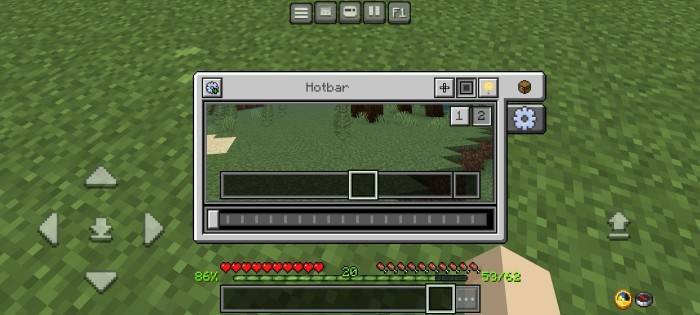
- It Will looks like this
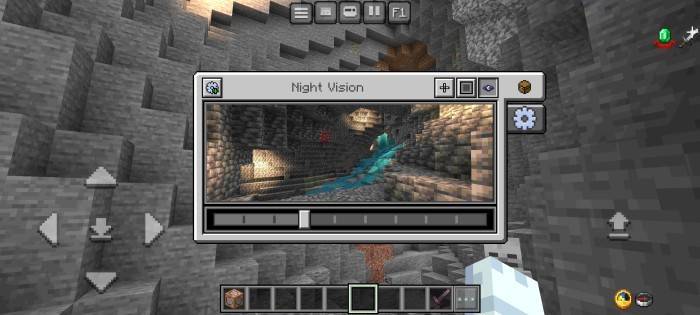
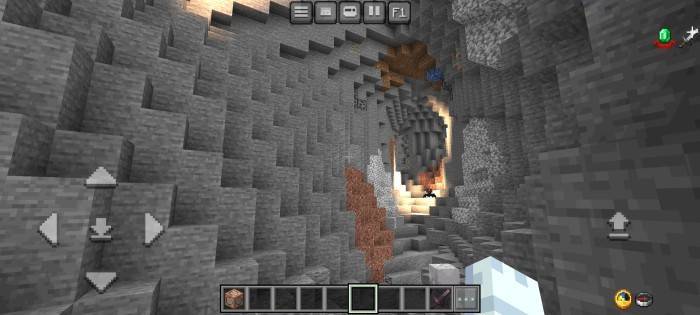
- Night vision menu
- Makes your screen brightghter, Recommended using 2 - 4 brightness level
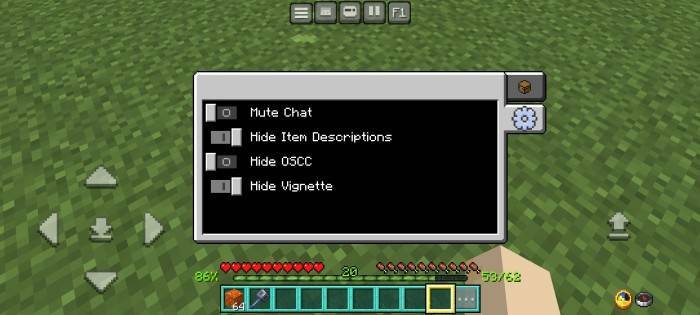
- More settings menu
You can do:
- Modify this pack fos personal use only
- Makes review for this pack (tag my YouTube @bruhh69._. in your description)
- Sharing download link only with mcpedl or curseforge
You can't do:
- Sharing modified pack
- Sharing download other than mcpedl or curseforge link
- Claimed this pack as your pack
- Uploading this pack in 3rd party website (ex: 9minecraft and etc.) without my permission
- Use anything in the pack without my permission
If you do one of it or more, beware of the copyright strike!
Please note!
This pack currently supports English, Spanish, and Indonesian languages, Please use the supported language to prevent errors!
Fortunately, this pack now supported windows or PC.
Credits
- ZackyProYT (https://m.youtube.com/@zackyproyt) - for improving debug screen, xp percentage, xp indicator.
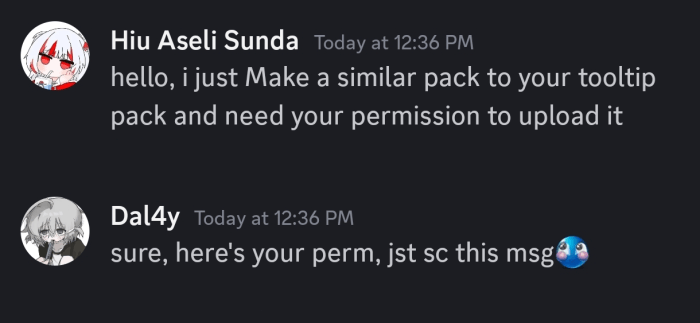
- Dal4y (https://www.planetminecraft.com/member/dal4y) - Dal4y's Tooltip, improving dynamic bossbar textures.
- AdrBlackind & DimzCraft (https://youtube.com/@dimz_craft) - Chunk Coordinates.
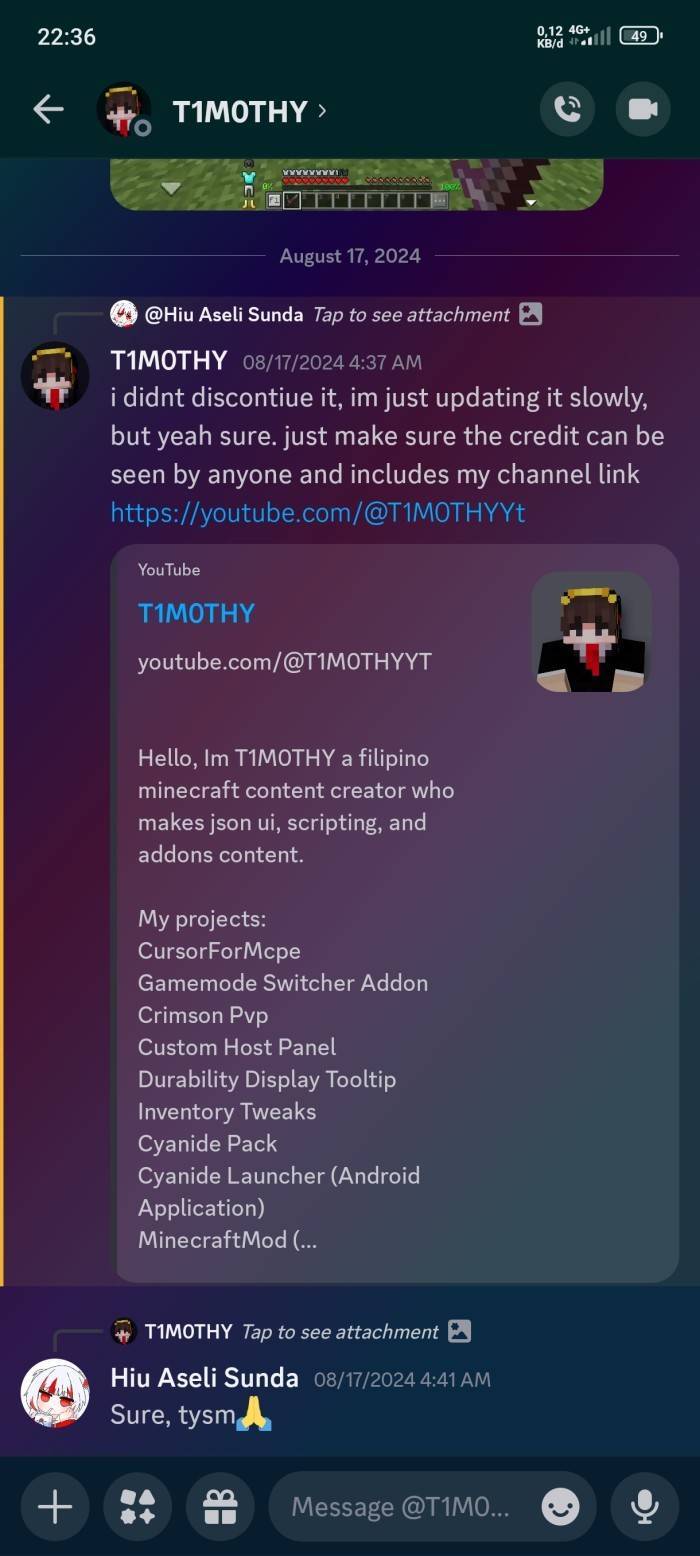
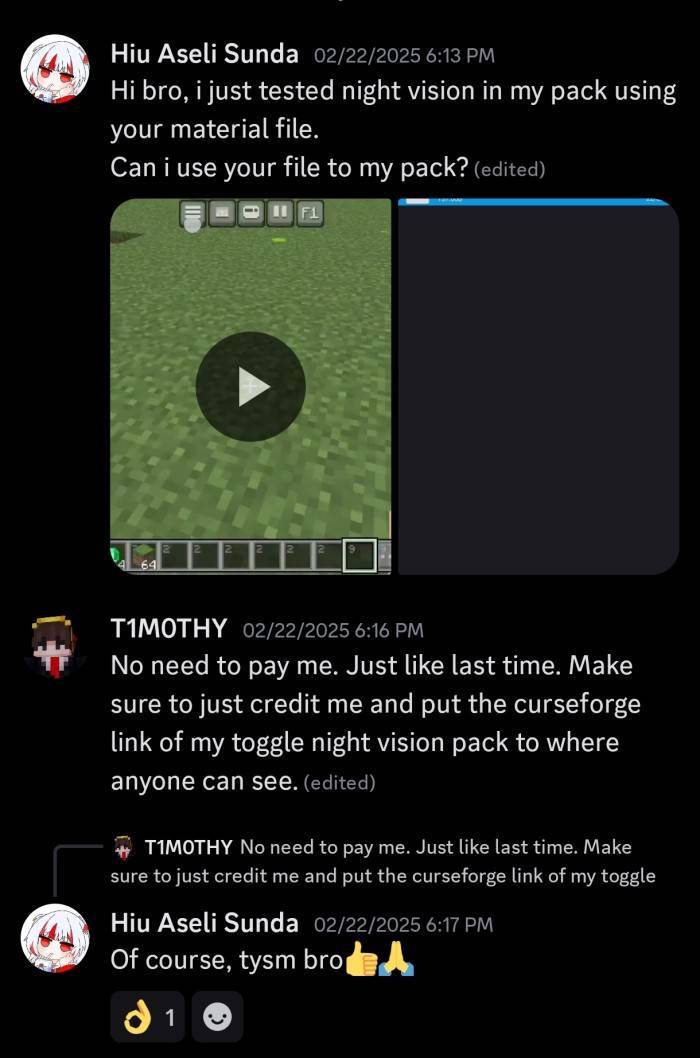
- T1M0THY (https://youtube.com/@T1M0THYYt, https://www.curseforge.com/minecraft-bedrock/texture-packs/toggle-night-vision/download/6192422) - Quick Settings (F5), Night Vision Toggle.
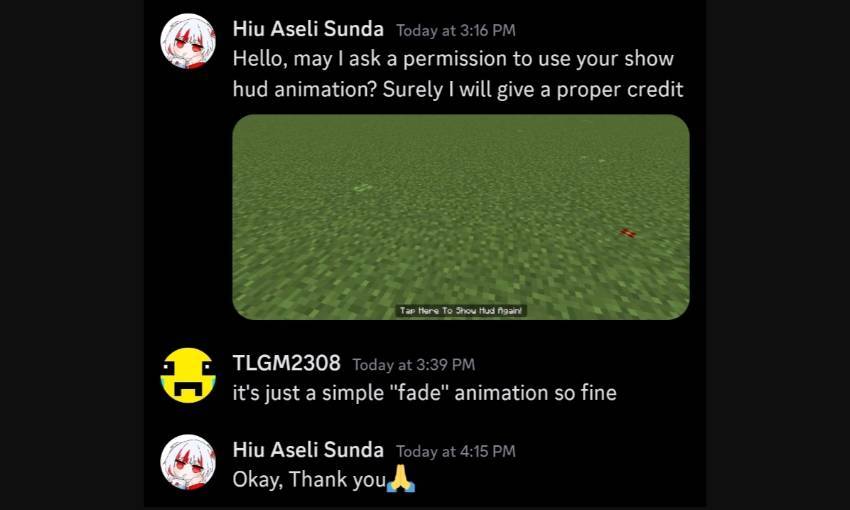
- tlgm (https://mcpedl.com/user/real_tlgm) Show hud animation.
- ItzRiyo157 (https://youtube.com/@itzriyo157) helping fixing code, tempnotes and calculator template.
- YuuhaLand (https://github.com/YuuhaLand/Tabkey_Playerlist_UI/releases) - Tab player list source code/template.
- Pepe (https://mcpedl.com/user/pepeonmcpedl) Durability Viewer, FPS Counter, inventory hud.
- Sugger (https://mcpedl.com/user/sugger) hud variable code.
- amBro (https://youtube.com/@axmbro?si=elgfnHnjcT-b7O5T) menu button mapping.
